
My NixOS Configuration



🚨 IMPORTANT NOTICE 🚨
This GitHub repository is an automated mirror.
All active development, pull requests, and bug reports belong on Codeberg.


Watch the demo video on YouTube

Screenshots
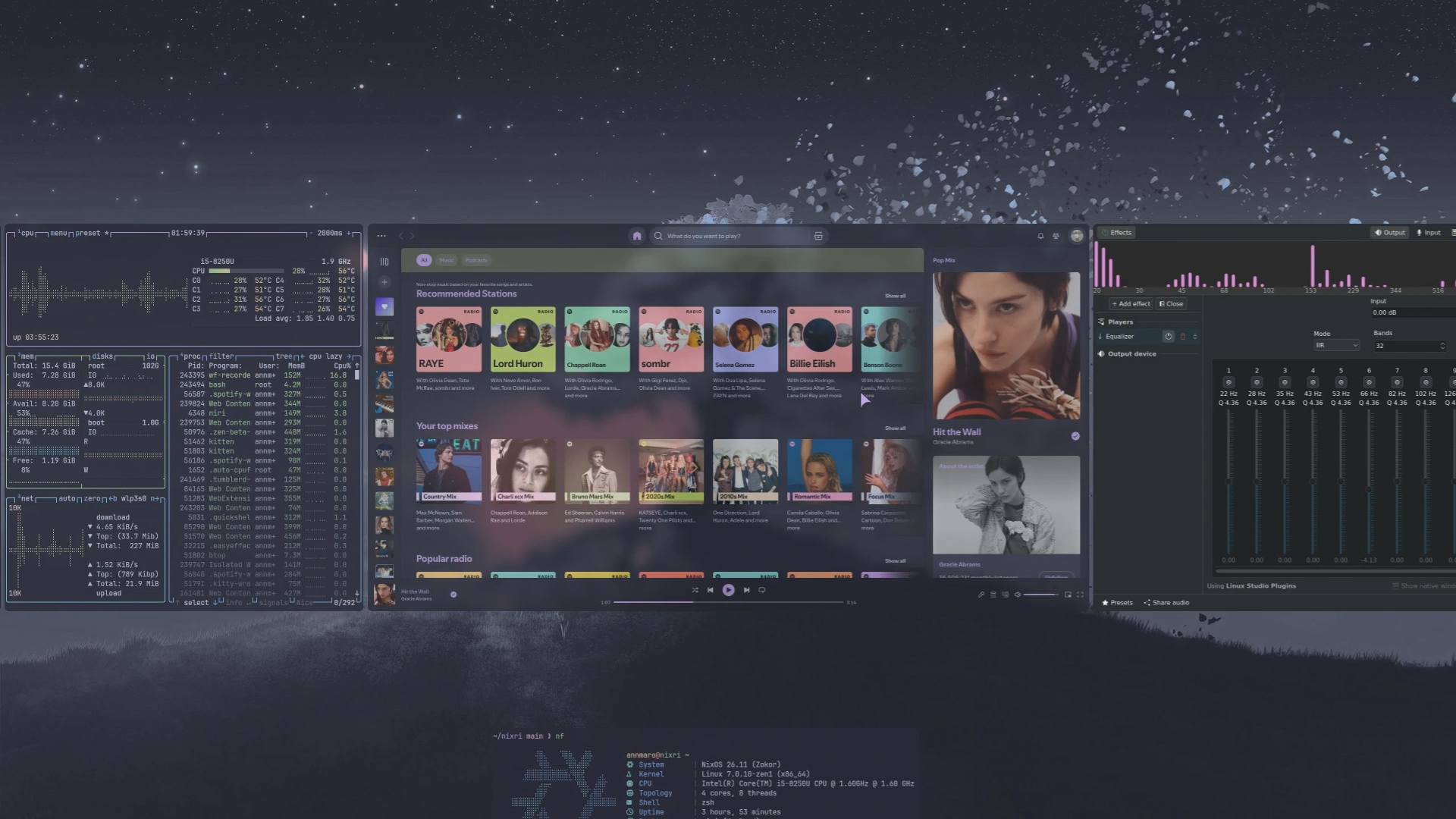
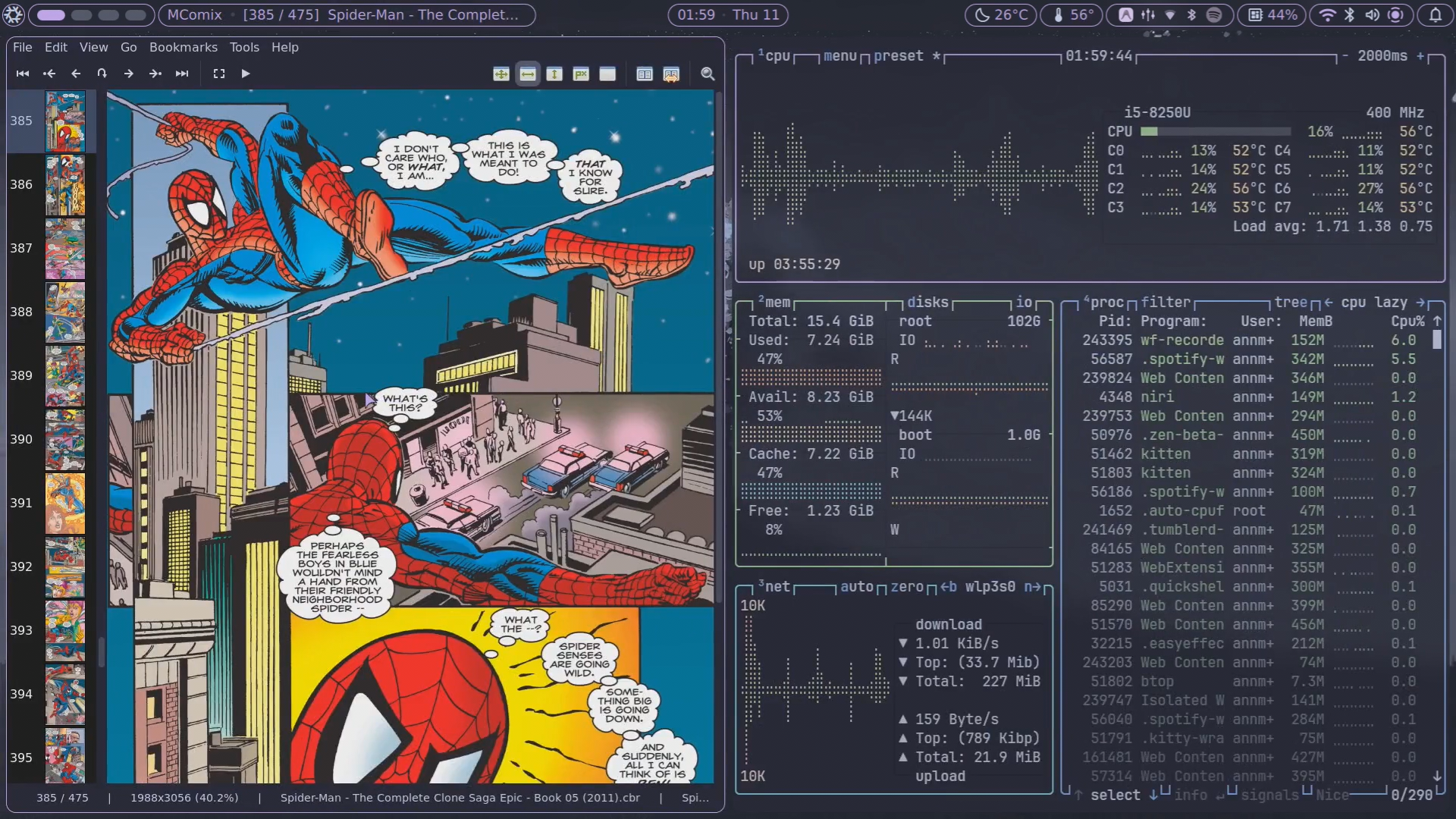
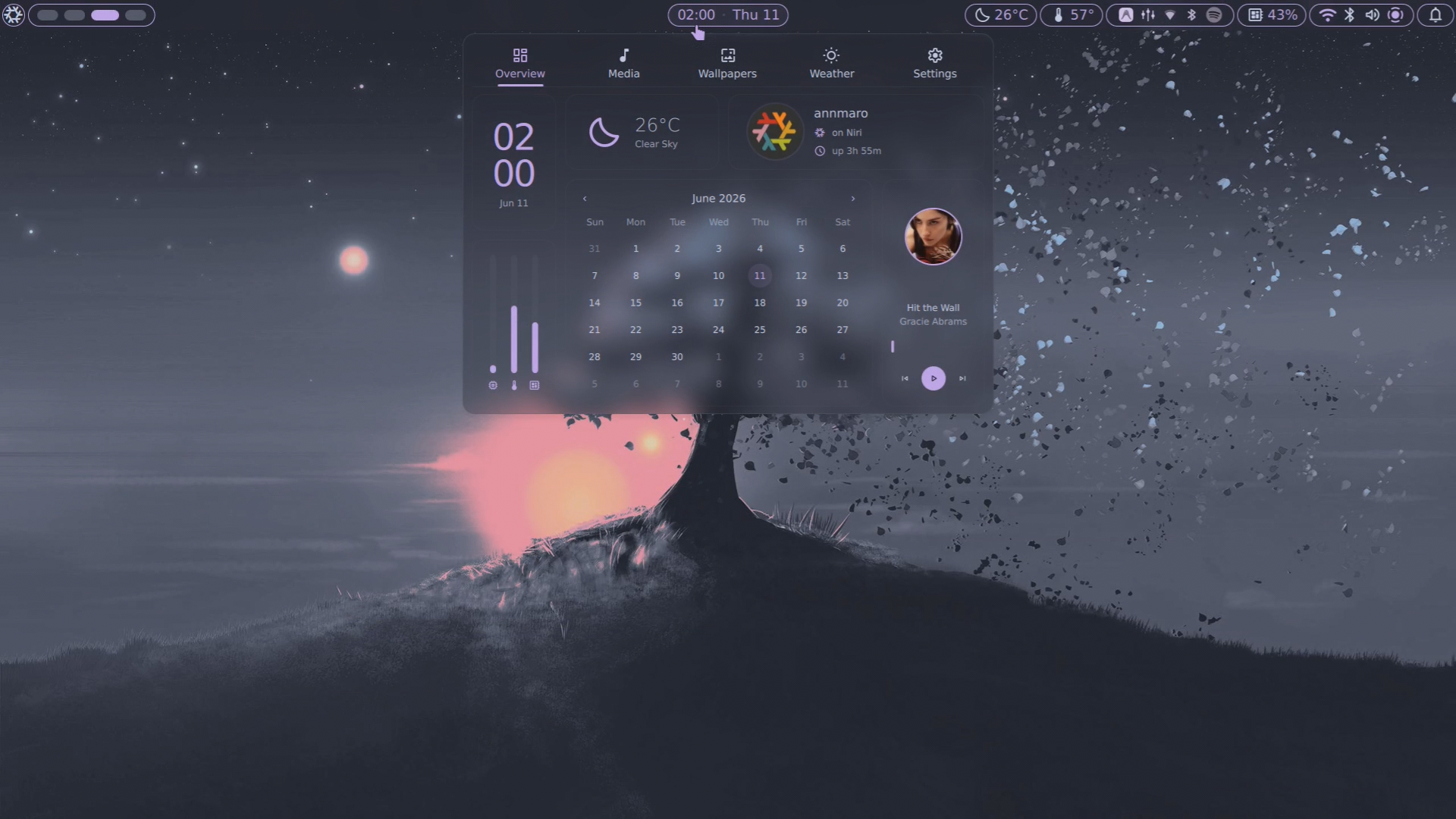
More screenshots

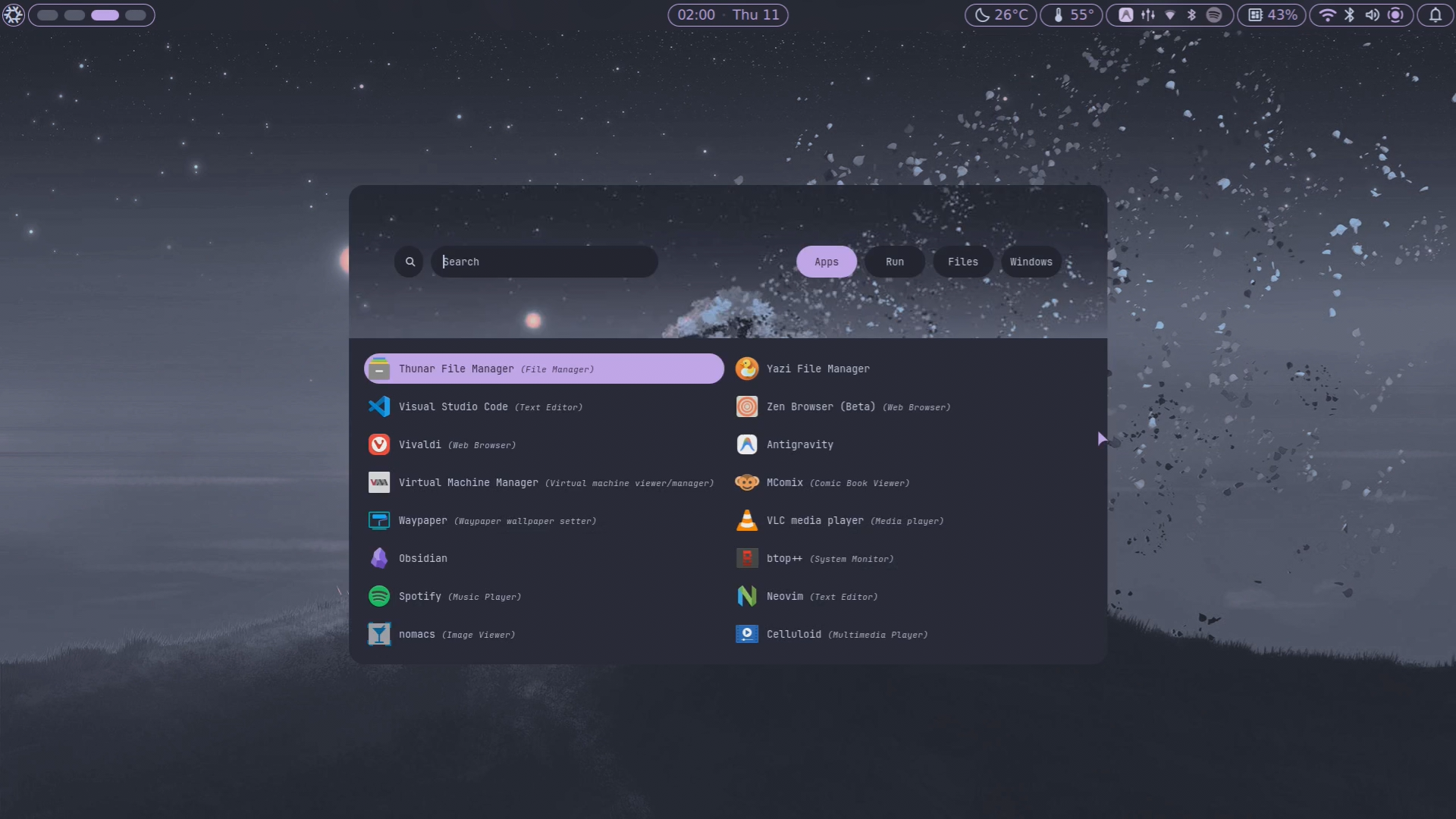
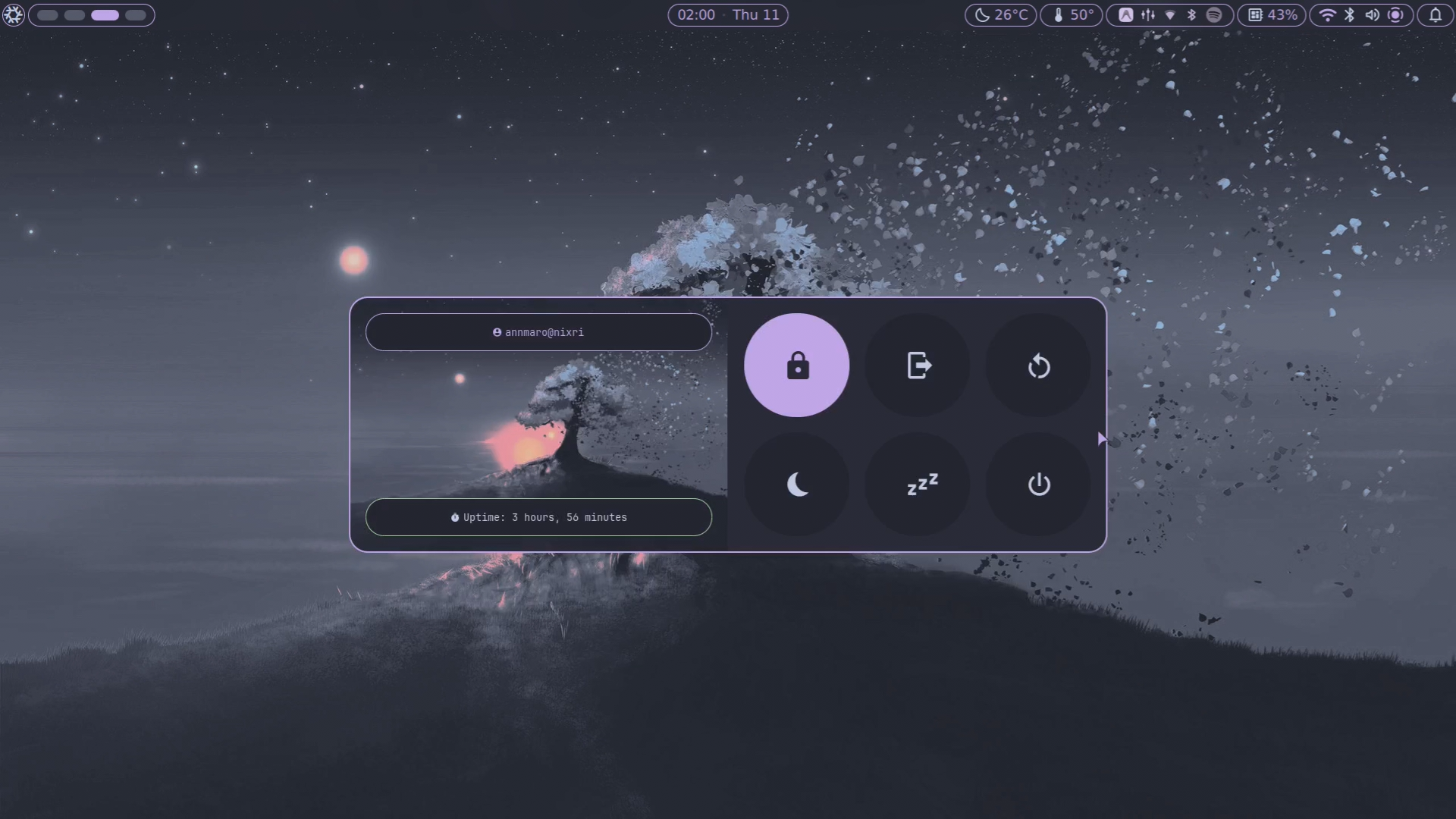
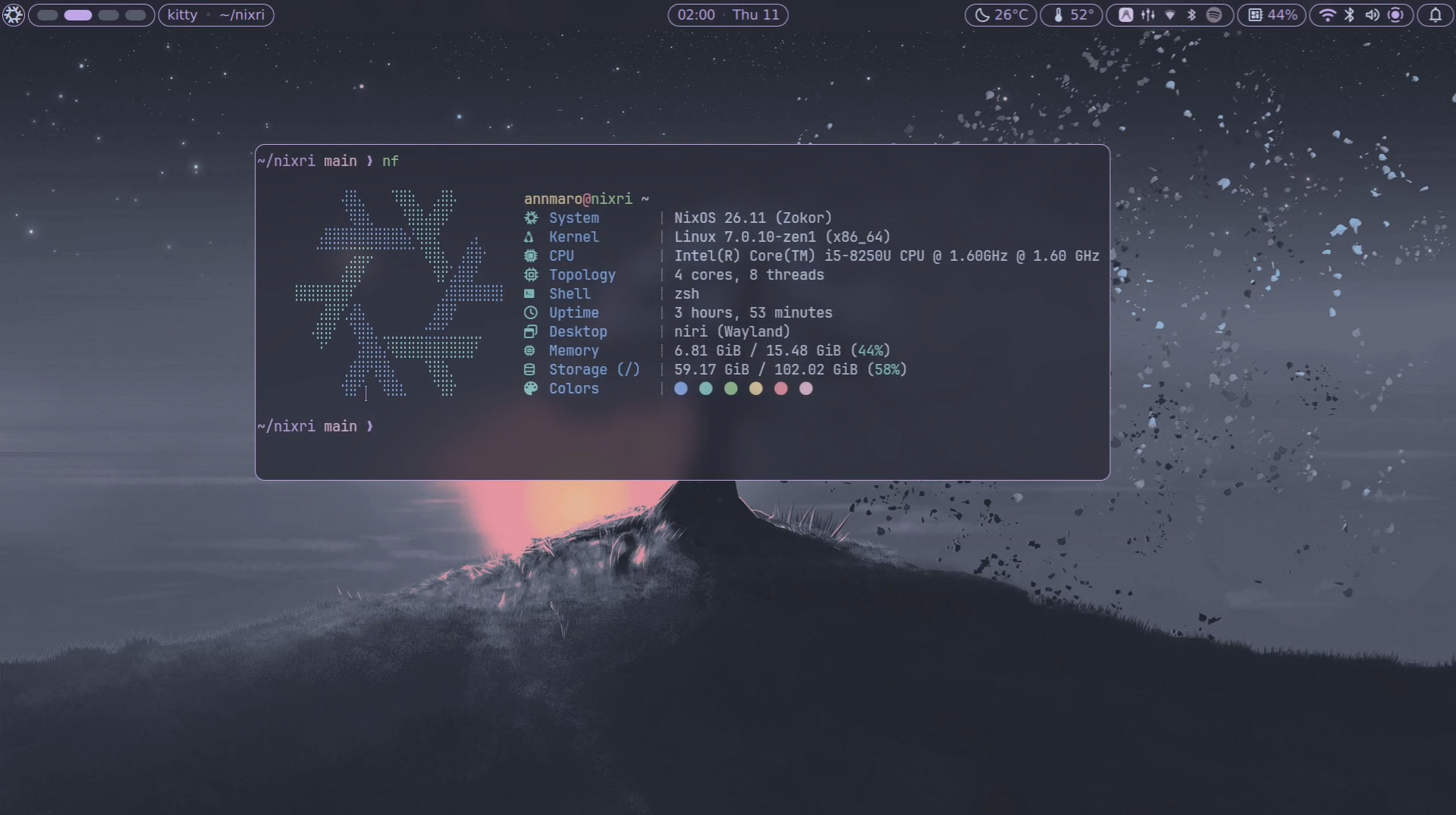
Table of Contents
Installation
[!Note] Before proceeding with the installation, check these files and adjust them for your system:
hosts/default/variables.nix: Contains host-specific variables.hosts/default/host-packages.nix: Installed packages for the host.hosts/default/configuration.nix: Module imports for the host and extra configuration.modules/core/packages/: Contains the list of packages to be installed.modules/hardware/drives/: Optional fstab-style mounts for extra volumes (e.g. games/work).
You can also check the Production Docs for a better understanding of the entire NixOS setup.
This flake is designed for a minimal install of nixos. install nixos first, then follow the instructions below.
Installation Steps
Method 1: Automatic
- Clone the Repository:
git clone https://github.com/annmaro/nixri.git ~/nixri- Change Directory:
cd ~/nixri- Run the Installer:
nix run .#installer --extra-experimental-features "nix-command flakes"The install and rebuild scripts automate the setup process, including hosts, username, and applying the configuration. It also automatically generates the hardware-configuration.nix file based on your system’s detected hardware, eliminating the need to manually generate it.
Method 2: Manual:
Copy
hosts/defaultto a new directory (e.g.,hosts/Laptop)Edit the new host’s
variables.nix,core packagesandhost-packages.nixAdd the host to
flake.nix:Rebuild with the new hostname using either
nixos-rebuildornh(see Rebuilding below). Once rebuilt, any rebuilding method can be used, as the host name will be implicitly recognised.
Rebuilding
Apply configuration changes:
- nixos-rebuild:
sudo nixos-rebuild boot --flake ~/nixri#<HOST> - nh:
nh os boot --hostname <HOST> - Reboot
Replace <HOST> with the name of your host (e.g.,
Laptop).
[!Note]
- If you face any error during the rebuilding phase, kindly uncomment the neovim config from the configuration.nix file. Once you have successfully booted into NixOS, you can add neovim.
Rollbacks
List generations:
list-gensRollback to generation N:
rollback NReplace N with the generation number (e.g.,
69).
Keybindings
View all keybindings with Super + Shift + K.
Credits/Inspiration
| Credit | Reason |
|---|---|
| Sly-Harvey | Thanks for creating such a wonderful config |
| Nixy | Amazing Neovim config |
| Rofi-adi1090x | Rofi custom launcher & powermenu |